Satisfactory Best Settings: Graphics and FPS for Big Factories
The short answer
In open terrain Satisfactory is mostly GPU-bound — lower Global Illumination (Lumen), shadows and reflections, and enable DLSS, FSR, XeSS or TSR. In a big late-game factory it becomes CPU-bound, and only View Distance and the three conveyor settings still help.
Evidence & limitsNot independently tested
- Evidence level
- General troubleshooting
- Last tested
- Not independently tested
- Game version / Build
- Satisfactory 1.2 (Unreal Engine 5). Independent settings guides and community reports reviewed 29 October 2026; frame rates not measured in a running client.
- Source review
- · not a gameplay test
Two different bottlenecks
This guide covers the Satisfactory 1.2 PC release on Unreal Engine 5. Independent settings guides and community reports were reviewed on 29 October 2026. We have not measured frame rates in a running client.
Satisfactory changes character as your factory grows, and the right settings depend on which limit you are hitting:
| Stage | Bottleneck | What helps |
|---|---|---|
| Early game, open terrain | Mostly GPU (UE5 lighting) | Lower Global Illumination, shadows, reflections; enable an upscaler |
| Late game, big factory | Mostly CPU (single-thread simulation) | Lower View Distance and conveyor settings; build smarter |
To find out which you are in, check GPU usage. Near 100% = GPU-bound, so graphics settings help. Well below 100% inside your factory = CPU-bound, and graphics settings will barely move the frame rate.
The most expensive graphics feature: Global Illumination
Satisfactory uses Lumen global illumination, and community guides consistently name it the single most expensive graphics feature. If you are GPU-bound, set Global Illumination to Off or Medium first before touching anything else.
After that, lower in this order:
- Shadow Quality — high impact on the GPU.
- Reflections — costly with little practical value in a factory game.
- Draw distance / View Distance — matters most in open terrain.
- Anti-aliasing — drop a step rather than switching it off entirely.
Textures mostly cost VRAM, not frame rate. Keep Texture Quality high if your GPU has the headroom.
Use an upscaler
Satisfactory offers DLSS, FSR, XeSS and TSR. Enabling one is the biggest single FPS gain with the least quality loss — try it before lowering resolution. Use Quality at 1080p/1440p and Balanced if you still need frames.
Graphics API
The Graphics API menu lists DirectX 12 as standard, Vulkan as experimental and DirectX 11 as deprecated. Stay on DirectX 12. Switch to another API only as a troubleshooting step if DirectX 12 crashes on your system.
The conveyor settings (late-game)
When your factory is the bottleneck, these three settings still help because they control how much of the simulation is drawn:
- View Distance
- Conveyor Belt Render Distance
- Conveyor Belt Item Frequency
Lower all three in a late-game factory view before lowering the overall preset.
Factory design beats settings
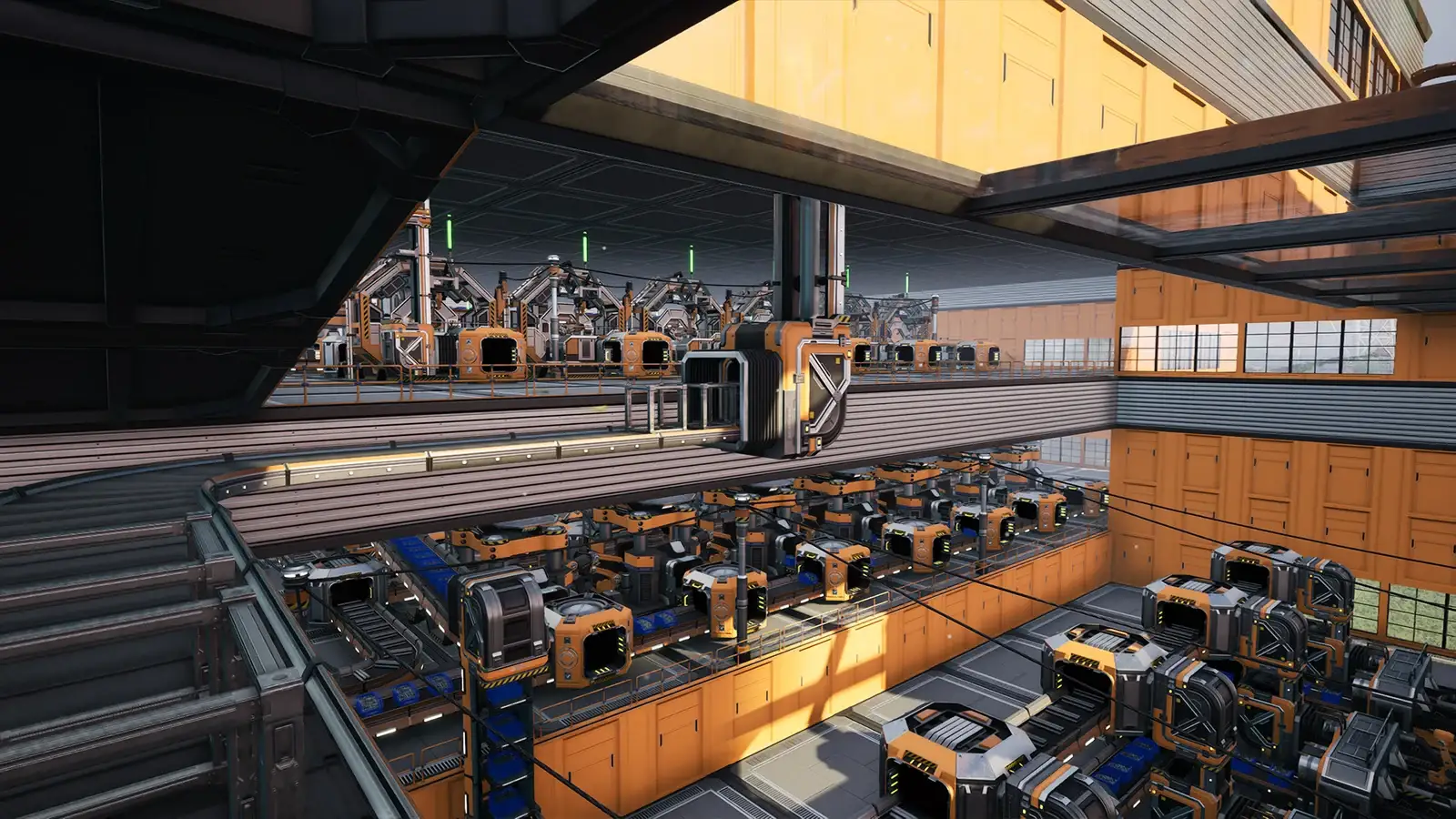
For a large factory, how you build affects FPS more than any single setting. Community testing reports that enclosing a factory in walls and ceilings can run 30–50% faster than the same factory left open, because Unreal Engine’s occlusion culling skips rendering machines hidden behind walls. Vertical, enclosed factories also beat sprawling ground-level layouts. This is the highest-impact “setting” that is not in the menu.
Memory and storage
- 32 GB RAM is recommended for late game. Large factories can consume 12–16 GB for entity state, belt items and machine cycles; on 16 GB this turns into page-file stutter.
- Install on an SSD. UE5 streams terrain and factory data, and late-game saves can be 50–100+ MB.
What we have not confirmed
These are independent community settings guides and reports, not measured benchmarks, and we have not tested them in a running client. Names can shift between patches, so match by name rather than position, and change one setting at a time while measuring FPS.
Sources & verification
Reviewed 29 Oct 2026. Official facts are separated from general guidance and player reports. We have not independently tested these steps in-game.
- Satisfactory 1.0 best PC settings (Destructoid)Independent guide with quality and performance presets for the 1.0 release. Not official.
- Satisfactory Low FPS Fix: Big Factory Lag and Stutter (tier1settings)Independent guide. Source for the GPU- vs CPU-bound split, Lumen GI as the most expensive feature and the recommended spec. Not official.
- Best graphics settings for Satisfactory (FPSHQ)Independent guide ranking the heaviest settings (shadows, volumetric lighting, reflections, draw distance, anti-aliasing). Not official.
- Satisfactory FPS Boost Guide (Benchium)Independent guide covering factory design (walls and occlusion culling) and the 32 GB late-game recommendation. Not official.
Independent game help. Not affiliated with any developer, publisher or platform. editorial policy.