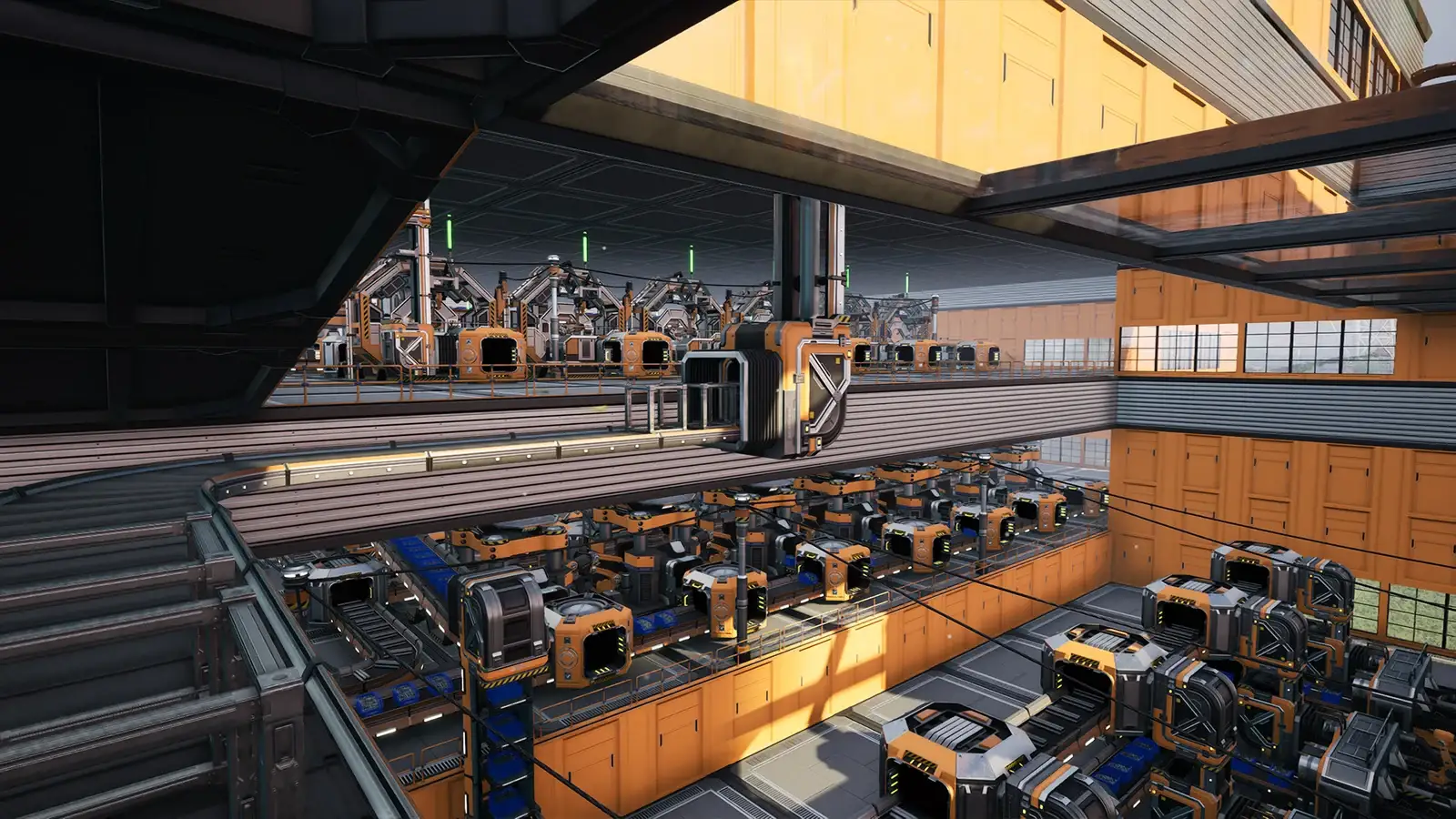
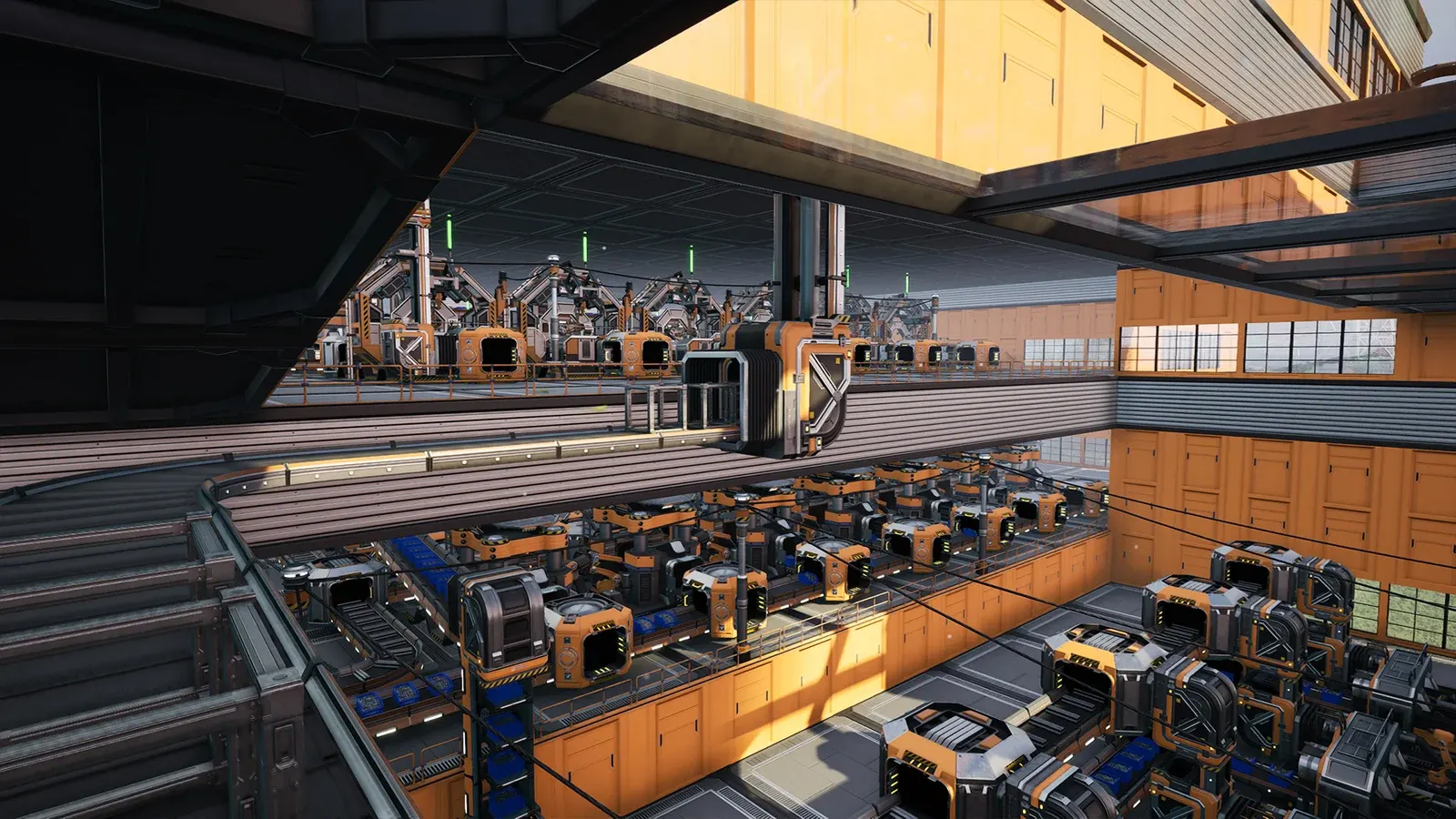
Satisfactory
Get your factory running. Find crash and co-op loading checks.
Start with a symptom
Pick the symptom you can reproduce. Each guide separates official advice, community reports and checks that still need testing.
Crashing after an update?
Separate Satisfactory startup, save-loading and GPU crashes. Back up your factory and find the next check when verification or reinstalling has not helped.
Stuck joining a friend's factory?
Compare a fresh save, a different host and the same join method when Satisfactory multiplayer stays on loading. Keep your factory safe and record what changes.
Dedicated server not responding?
Locate whether Satisfactory dedicated-server discovery, API authentication or joining fails, with safe checks for local, hosted, Docker and tunnel setups.
Save files missing?
Find Satisfactory saves on Windows, make a safe independent backup, and separate a wrong folder, a missing load-menu entry and a save that crashes.
Inventory empty after loading?
Explain why a Satisfactory factory can remain while your inventory is empty, then safely check online identity and your own previous character without risking the save.
Low FPS or stuttering in Satisfactory?
Reduce Satisfactory stuttering and low FPS on large factories: RAM and page file, GPU driver, overlays, and known 1.2 crash fixes that can look like a frame-rate problem.
Best graphics settings?
Satisfactory's best settings depend on whether you're GPU- or CPU-bound. Lower Global Illumination and shadows first, then lean on DLSS/FSR and factory walls.
Go directly to the source
Check the date and version on the individual guide. This is not live server monitoring.