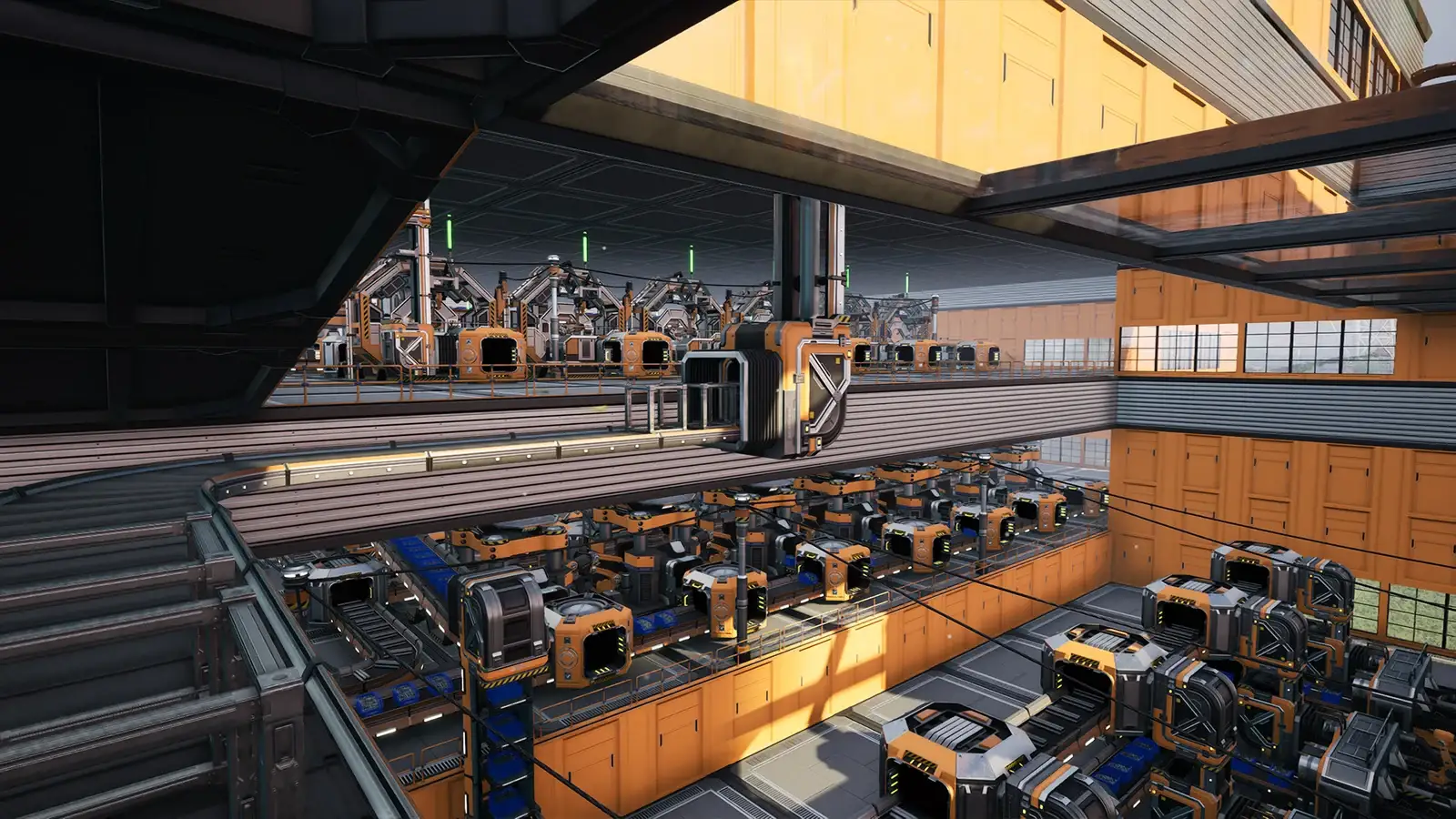
Satisfactory Low FPS and Stuttering: Late-Game Performance Checks
The short answer
First separate late-game entity count from your PC. Close background apps, raise the Windows page file if you have 16 GB RAM, update the GPU driver with a clean install, and disable overlays. Then check whether a known 1.2 crash (Conveyor Throughput Monitor, railways, blueprints) is the real cause rather than hardware.
Evidence & limitsNot independently tested
- Evidence level
- General troubleshooting
- Last tested
- Not independently tested
- Game version / Build
- Satisfactory 1.2 (released June 2, 2026); 1.2.4.1 reviewed October 25, 2026; client not gameplay-tested
- Source review
- · not a gameplay test

Check which stage drops frames
This guide covers Windows PC through Steam and Epic. The official 1.2 patch notes and community repair write-ups were reviewed on October 25, 2026. We have not measured frame rates in a running client.
| Symptom | What to check first |
|---|---|
| FPS is fine early game, falls off as the factory grows | RAM and page file, then background apps and overlays |
| Sudden stutter after a big blueprint paste or train build | Late-game entity count; known 1.2 crashes can look like a freeze |
| Frame rate drops only after a game update | GPU driver and shader cache; verify game files |
| Micro-stutters that escalate to a crash | Memory pressure; close the browser and Discord or raise the page file |
RAM and the page file
Satisfactory’s Unreal Engine 5 build can use 12–18 GB of RAM on a late-game factory. If your system has 16 GB and a browser plus Discord are open, Windows starts swapping aggressively, which shows up as stutter that escalates to a crash within 10–20 minutes of play.
- Close the apps you do not need for the session.
- Raise the Windows page file: Control Panel → System → Advanced system settings → Performance → Settings → Advanced → Virtual Memory. A common starting point is an initial 8192 MB and maximum 16384 MB on the SSD with the most free space. If you have 32 GB or more RAM this is rarely the cause.
- If memory runs at an XMP/DOCP profile above the JEDEC base clock, Satisfactory’s UE5 build can occasionally trip access violations from marginal RAM. Test by disabling XMP in BIOS and rebooting Windows.
Drivers, overlays and background apps
- Update the GPU driver with a clean installation (NVIDIA or AMD). Avoid GPU or CPU overclocking while troubleshooting.
- Disable overlays you do not need: Discord, NVIDIA, AMD, and especially MSI Afterburner / RivaTuner. Several overlays hooking the renderer at once is a common crash source.
- If you removed a mod but its references remain in the save, loading can crash. Reinstall the missing mod, or use the Satisfactory Calculator Interactive Map (SCIM) to strip modded entities before launching.
Rendering settings worth a look
We have not tested which single setting helps most, so change one at a time. The options that usually affect large factories most are the ones tied to foliage, volumetric effects and shadow quality. Lower those and retest rather than turning everything down at once. Higher internal resolution and frame generation cost GPU; if you are already GPU-limited, lowering those helps more than lowering texture quality.
Known 1.2 issues that can look like a performance problem
Coffee Stain’s 1.2 line fixed several crashes that can present as a freeze or frame spike:
- Conveyor Throughput Monitor crash — a dedicated server (and the client) could crash when a monitor was placed on a belt, or when aiming at a belt that had several monitors after one was dismantled. Fixed in 1.2.4.1 (October 12, 2026). A server only picks up the fix once it runs 1.2.4.1, so update or restart it first.
- Railway and blueprint hologram crashes in 1.2.2.0 could prevent some saves from loading and read like a hard stall.
- Signs around a pioneer wiped blank on save load — fixed in 1.2.4.1.
If stutter is paired with a crash log, the cause may be one of these rather than your hardware.
Report usefully
Capture the game build, your exact symptom, OS, CPU/GPU/RAM, driver version, and what you already changed. Redact any account details. Use the official QA site and the relevant store page.
Sources & verification
Reviewed 25 Oct 2026. Official facts are separated from general guidance and player reports. We have not independently tested these steps in-game.
- Satisfactory Patch Notes (official)1.2.4.1 (October 12, 2026) and 1.2.2.0 reviewed; conveyor throughput monitor, railway and blueprint hologram crash fixes recorded. Patch notes, not a hardware guide.
- Satisfactory Wiki — Patch 1.2.2.0Community wiki mirrors the official notes; used to confirm crash classes that can present as a freeze.
- Satisfactory Unreal Engine Crash: Fixes & Troubleshooting (third-party)Community write-up; RAM/page-file and XMP guidance reviewed October 25, 2026. Not official, not a tested fix.
- Satisfactory on Steam — system requirements and newsStore page reviewed for platform and update context; does not list per-setting FPS advice.
Independent game help. Not affiliated with any developer, publisher or platform. editorial policy.