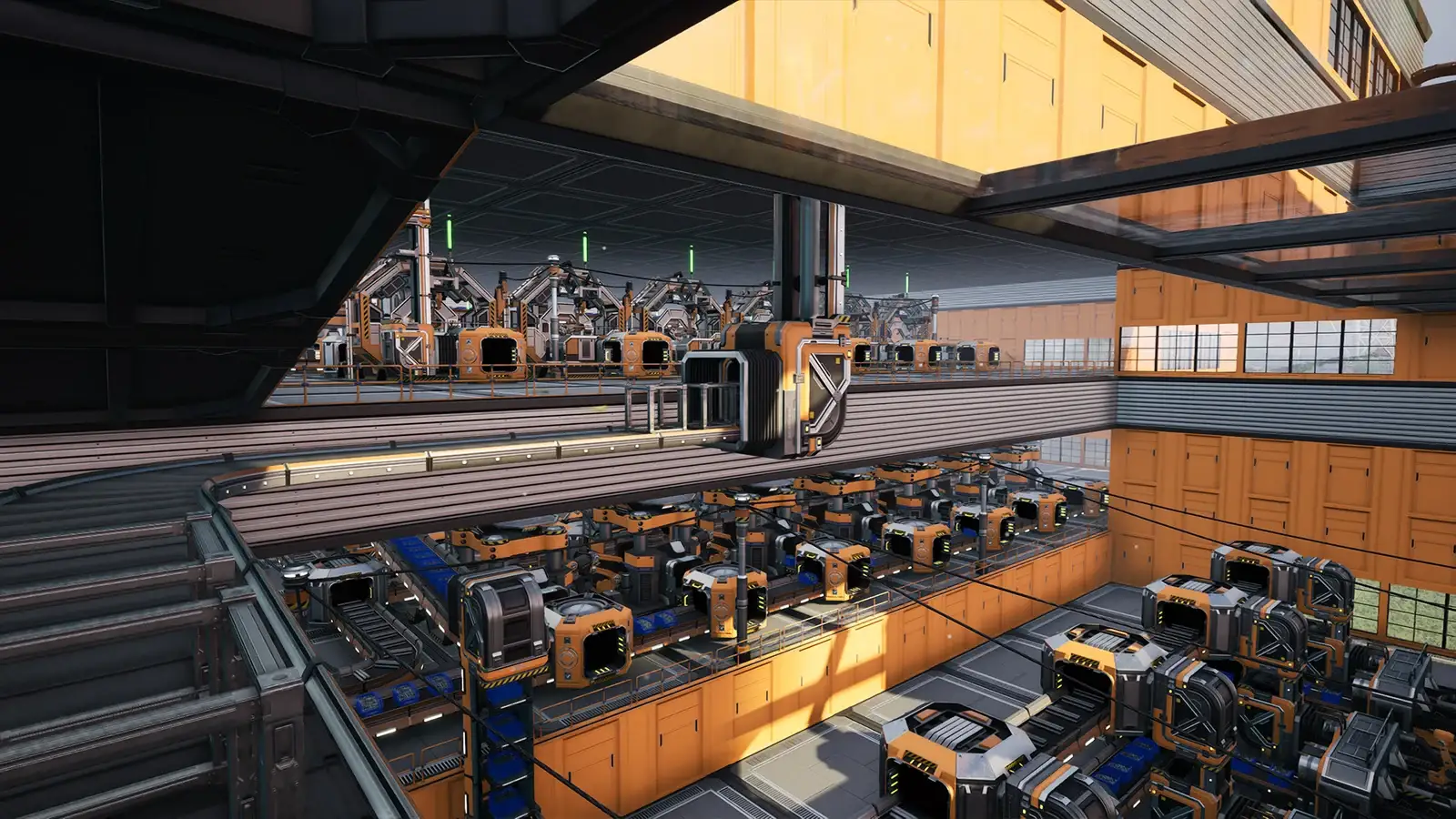
Satisfactory Inventory Missing After Loading: Checks
The short answer
If the factory is intact but you load with an empty inventory, first back up the save and restart online with the same account. If your own previous idle character remains, official support says to kill that old character and retrieve its inventory. Do this only after confirming ownership; death and item-retention settings can affect the result.
Evidence & limitsNot independently tested
- Evidence level
- Official information
- Last tested
- Not independently tested
- Game version / Build
- Official support and one historical community case reviewed on 16 September 2026; no inventory recovery tested
- Source review
- · not a gameplay test
Confirm the world and inventory are different problems
Use this guide when the correct factory, buildings and progress load, but the controlled character starts with an empty or unexpected inventory. That combination can happen because the world save and a player’s identity-bound character inventory are related data, not the same thing. If the factory itself is absent from the menu, use the missing-save guide.
Record whether you last played online or offline, Steam or Epic, the account used then and now, who hosted, and whether the game reported an Online Session Service disconnection. This mechanism is documented by official support, but the current frequency and every possible trigger are unknown.
Back up before interacting with characters
Close the game normally and copy %LOCALAPPDATA%\FactoryGame\Saved\SaveGames to a separate dated location. Confirm the copied files exist. For a dedicated or rented server, the administrator should back up its actual persistent save location instead; do not assume the Windows-client path applies.
Do not overwrite the only save, remove player data with an editor, or load and resave through many versions while investigating. If another person owns the host, tell them what happened and ask them to preserve the current save before anyone interacts with idle characters.
Re-establish the same online identity first
Exit to desktop rather than merely returning to the main menu. Confirm the launcher is online and signed into the same platform account used when the inventory was last present. Start Satisfactory, wait for online services to connect, and load the backed-up factory once.
Official support says each player character is tied to an online player ID. When the game is offline or disconnected from the Online Session Service, it may treat the session as a new player and create a new character. Therefore, a factory that still exists alongside an empty inventory does not by itself mean the save file was erased.
If reconnecting restores the expected character and inventory, verify the original items and location before saving. Keep the backup until another normal restart and load succeeds.
Identify only your own previous character
If the inventory is still empty, look for an idle character at the place where you last logged out. Use your memory of the location, character state and session ownership; appearance alone may not establish ownership. In multiplayer, ask the host and affected player to be present so they can distinguish their characters.
Official support gives a specific fallback: find your previous idle player character, kill that old character, then retrieve the inventory the game makes available. We have not tested this procedure, and it does not guarantee that every item will be recoverable.
- Confirm from the logout location, session history and the host or affected player’s knowledge that the idle character is your own previous character. If ownership is uncertain, stop.
- Make and verify another independent save backup immediately before acting.
- Following the official advice, kill only that confirmed old idle character, then collect the items made available under the session’s current death and item-retention settings.
- Check the recovered items before saving. Keep the pre-action backup until a normal restart and reload confirms the result.
Do not kill, dismantle, loot or edit another player’s character. Death or item-retention settings can change what is available after death, so stop rather than applying this step when the setting or character ownership is unclear.
When the identity explanation does not fit
Stop using this branch if the world is also missing, every player lost progress, no prior character can be identified, or the inventory vanished during normal continuous online play without an identity change. Those facts point to a different issue and deserve a separate report.
Also separate a loading-screen failure from an inventory result. If you never reach controllable gameplay, follow the multiplayer loading guide. If the game crashes when approaching an area or opening the save, preserve the file and use the crash guide.
Avoid destructive shortcuts
Do not unlink accounts, delete player data, upload the factory to an unknown editor, or repeatedly kill seated characters to “see which one works.” Do not assume every seated character is a duplicate. A historical community case involved offline play on Linux/Wine before 1.0 and cannot establish the exact steps for today’s platform, server or advanced settings.
If a copied save is used for a controlled comparison, label it clearly and keep the original untouched. No article can guarantee recovery when the old identity is unavailable or its items were already changed.
Stop with a useful support report
Report launcher, client/server version and branch, account/platform, online versus offline sequence, host type, last known inventory location, which players are affected, and whether an idle character belonging to you is visible. Include timestamps and exact online-service messages, but remove session IDs, account identifiers and tokens.
Use the official Satisfactory Q&A route when the documented login check does not fit or does not restore access. Keep all backups. Recovery is confirmed only when the correct character and items survive a normal save, restart and reload—not merely when the factory world opens.
Sources & verification
Reviewed 16 Sept 2026. Official facts are separated from general guidance and player reports. We have not independently tested these steps in-game.
- Coffee Stain: Satisfactory support and new-character FAQRead again on 16 September 2026. Explains that a character is tied to an online player ID; it says to reconnect with the same identity or find and kill the player's own previous idle character to retrieve its inventory.
- Steam community case: Playing offlineMain post and key visible replies reviewed in the research. A pre-1.0 Linux/Wine player kept the world but lost carried inventory after offline/online play and later reverted a save; it does not prove a current universal fix.
Independent game help. Not affiliated with any developer, publisher or platform. editorial policy.