WARDOGS Mic Not Working? Voice & Push-to-Talk Checks
The short answer
To enable voice, check Voice Chat under Settings > Audio and your displayed transmit binding. If voice is already enabled, separate a silent Test Mic from successful playback that does not reach another player. Use the two-player check below; no universal fix or current open-mic toggle has been confirmed.
Evidence & limitsNot independently tested
- Evidence level
- General troubleshooting
- Last tested
- Not independently tested
- Game version / Build
- Season 02 helmet note reviewed 15 October 2026; September support replies checked 13 October; current client Build and full menus not inspected; not gameplay-tested
- Source review
- · not a gameplay test
How to turn on voice chat and find push-to-talk
The September Team17 support replies identify Settings → Audio → Voice Chat. Enable it and apply the change. This enables voice chat; it is not evidence of an open-mic mode.
- For sending, check the transmit binding actually displayed by your client. A voice reconnect control is not the push-to-talk key.
- If your client shows an input selector and Test Microphone, select the device that passes the Windows recording test below. A player’s input-selection report documents those controls, but not a universal repair.
- For receiving, check the VOIP volume controls under Audio. Listening volume does not establish whether your mic transmits.
Looking for open mic? A current in-game toggle could not be confirmed from the reviewed official material. Steam’s own open-microphone setting is not proof of a WARDOGS mode. See the open-mic FAQ before copying a setting from another interface.
Mic not working in WARDOGS? Start with this split
If Windows can record your microphone but WARDOGS cannot, do not assume one setting will fix every case. First establish whether Test Mic is silent or whether Test Mic works but push-to-talk does not reach another player in a match. Those are different failure stages in the public reports below.
Check the input selector and the push-to-talk control shown by your installed client, then run the two-player test. The steps narrow down the failing stage; they do not promise a fix.
Start with one distinction: can your PC record your voice outside WARDOGS? A microphone meter moving in a test does not prove that other players receive your voice in a match. Likewise, hearing game effects does not prove that the voice connection is working.
| Observation | Next check |
|---|---|
| Windows cannot record the mic | Input device, physical mute and Windows permissions |
| Windows records, but teammates cannot hear you | Game input selection, transmit binding and mute state |
| Your teammate hears you, but you cannot hear them | Their transmit test, your listening/mute settings and the intended voice context |
| Proximity voices remain audible but sound muffled after the Season 02 update | Compare worn equipment with the Level 4 helmet note below before treating this as a mic failure |
| Your mic test works, but nobody can hear or be heard in-game | Match context and current developer notices |
| You cannot enter a match at all | Resolve access or login first using the server-status guide |
These are diagnostic branches, not confirmed causes. Change one setting at a time and note whether sending, receiving, or neither improves.
Season 02: proximity chat sounds muffled
15 October source update: The official Season 02 notes dated 14 October describe a muffling effect on audio and proximity chat when wearing the Level 4 helmet. If your client has that update and voices are still audible but sound muffled, compare the equipment you are wearing before changing microphone permissions or inputs.
This is an equipment-related listening check, not a fix for a silent Test Mic or failed transmission. The announcement does not confirm that your installed client has updated; we have not tested the effect in-game. This partial update leaves the earlier per-source review dates intact.
What the September reports actually show
September player reports describe different failure points. The first Reddit case below was reviewed on 16 September; the Steam cross-check was source-reviewed on 8 October. They are examples, not an incident count or proof of a shared cause.
| Reported result | What was actually tried | Safest next branch |
|---|---|---|
| Windows and Steam recorded normally, but WARDOGS detected the device without registering audio in Test Mic | The 11 September poster had already set the mic as default, disabled other sound devices, reinstalled or re-enumerated the device, rebound push-to-talk and restarted the game and PC. Cycling inputs appeared to help one commenter, but not the poster. | Treat this as a game-side capture or selection failure. Preserve the working Windows setup; compare the selected in-game device and one reversible input change rather than repeating driver reinstalls. |
| WARDOGS Test Mic played the voice back, but Local/Squad voice did not reach other players | A September Steam report independently describes this split. The player said that a support-suggested voice reconnect did not help. | Treat this as an in-match transmit or session branch. Use the two-player check below and record the indicator, channel and server/session; a successful Test Mic already shows that the settings screen captured audio. |
Do not combine these into “the microphone works” or “the microphone is broken.” Also do not promote a single reply into a permanent fix: the visible replies contain mixed outcomes, and no current Build number was supplied.
Check the update before a Beta workaround
The Season 1 changelog reports recovery fixes after a failed join and improved voice reliability. When the official announcement feed was rechecked on 29 September, its visible later posts did not add a newer general microphone repair or document a current open-mic toggle. Complete pending updates before comparing your result with an old Beta report, but do not read the 9 September changelog as proof that every microphone or session now works.
A support-suggested voice reconnect — not a guaranteed fix
Team17’s 19 September reply suggests disabling Voice Chat under Audio, applying, waiting briefly, then enabling and applying it again before retesting in a match.
The same thread’s 23 September reply suggests opening the scoreboard, disconnecting voice, waiting five seconds, then reconnecting and testing Local/Squad separately. That reply used U for reconnecting, not as a verified transmit key. Use the control displayed by your current client rather than assuming the shortcut is unchanged.
The developer’s 21 August 2026 Beta known-issues post predates these support replies. This is historical guidance, not evidence of today’s service health. The September replies extend the advice beyond Beta, but another player reported no improvement. We have not reproduced the failure or gameplay-tested the suggestion.
Test the microphone in Windows
Following Microsoft’s input test, on Windows 11:
- Connect the headset or microphone and check its physical mute switch.
- Open Settings → System → Sound. Under Input, select the microphone you actually intend to use, not a webcam or unused headset.
- Open that device’s properties and start its microphone test. Speak, stop the test and play back the recording.
- If the recording is silent, resolve this input problem before testing game chat again. Record the original device selection before changing it.
A successful recording narrows the investigation; it does not verify WARDOGS permissions or its voice backend.
Check desktop microphone access
Microsoft’s permissions guide separates desktop apps from individual Store-app controls.
- Windows 11: Settings → Privacy & security → Microphone. Check device microphone access, app access and Let desktop apps access your microphone.
- Windows 10: Settings → Privacy → Microphone. Check device access, app access and the desktop-app access switch.
Only enable access if you want desktop applications to use the mic. The desktop-app switch is broader than permission for this one game. Keep a record of your previous setting and restore it if you no longer want that access.
If the mic works in the test but not in-game
Open the audio and binding settings your installed build actually provides. If there is an input selector, match it to the device that passed the Windows test. Check any voice enable, mute and push-to-talk controls, using the bindings shown in your build. Official support identifies the Audio path; we have not independently inspected the current full menu or default transmit key.
If WARDOGS Test Mic is silent, stay on the capture/selection branch. If Test Mic plays your voice but teammates cannot hear you after spawning, stop repeating Windows recording checks and move to the in-match sending/receiving procedure. The September reports show that either split can occur.
Test with a willing teammate in the same intended voice context. Record local/proximity chat separately from any other channel the build offers. Do not use silence from an unknown player as the only test result.
Can enemies hear proximity chat?
The official Steam description describes proximity voice and local communication with both teammates and enemies. Do not treat local voice as a private squad conversation. Enemy responses are not, by themselves, evidence that your microphone settings are broken.
Being in the same match or squad does not establish that two players are in the same voice context. The official overview does not specify an exact audible distance, default transmit key, or an open-mic toggle. We have not checked those controls in the current client; use the bindings and options actually displayed rather than a guessed key or range.
A two-player sending and receiving check
Diagnostic procedure, not a confirmed fix: Arrange a test with someone who has agreed to respond, ideally using a separate text message to confirm each result. Avoid sharing sensitive information over local voice.
- Both players check their own microphone recording in Windows. Note the input device that passed.
- Meet nearby in the same match and select the same intended voice context if the client offers a choice. Check the displayed transmit binding and any mute controls; do not assume an old Beta key.
- Player A says a short test phrase using that control. Player B confirms through the separate text message whether it arrived. Record any visible transmit indicator without assuming that an indicator proves delivery.
- Reverse the roles. This separates a one-way failure from both directions failing.
- Change only one relevant input, mute or transmit setting and repeat. Stop when it works; avoid resetting unrelated controls.
| Result | What it narrows down — not what it proves |
|---|---|
| A reaches B; B does not reach A | Compare B’s sending path and A’s receiving/mute path |
| Neither direction works despite good Windows recordings | Compare voice context, game settings and session/update status |
| Both directions work nearby | This local test passed; it does not establish the exact range or validate every other channel |
When to stop changing local settings
If both directions fail for several players, compare times and regions with official-status sources. That pattern is a clue, not proof of a global outage. Stop local changes if a relevant service incident is confirmed; reinstalling Windows, disabling anti-cheat or turning off the firewall is not justified by this symptom alone.
What to include in a support report
Send the installed client name, visible Build/version, Windows version, microphone model, region, timestamp with time zone, and the results of the Windows, WARDOGS Test Mic and in-match tests. State whether Test Mic was silent or played back correctly, and whether you cannot transmit, cannot receive, or both.
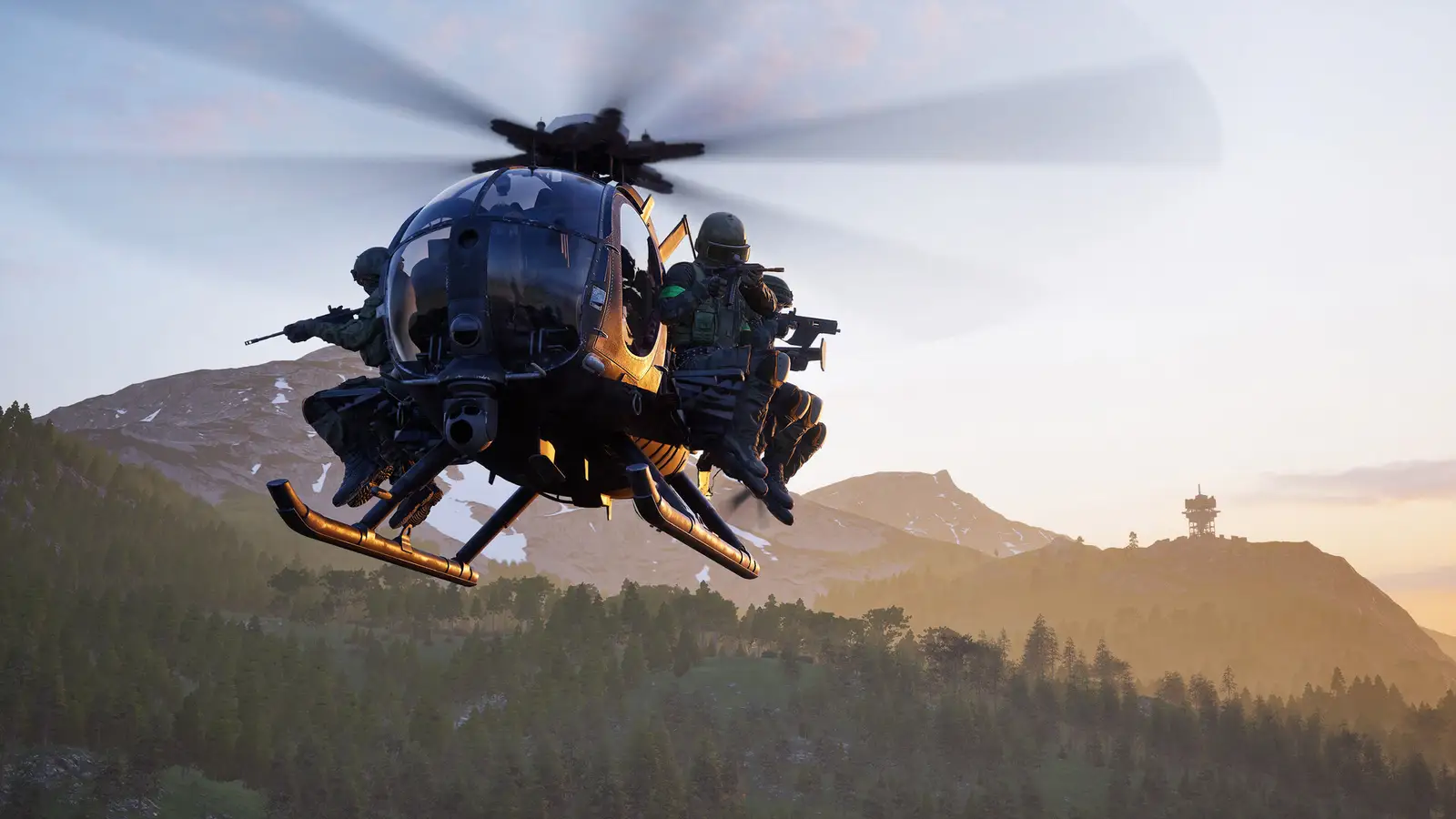
Capture the actual error or settings screen if available, with player names and account details removed. We do not yet have an independently captured WARDOGS error screenshot; the labeled promotional image on this page is not test evidence.
FAQ
Does WARDOGS have open mic, or is it push-to-talk only?
The official material reviewed on 13 October confirms proximity/local voice and an Audio voice-chat switch, but a current in-game open-mic toggle could not be confirmed. We have not independently inspected the current voice menu. Use the audio options and bindings actually displayed by your installed build; do not equate Steam’s open-microphone option with a WARDOGS setting.
If your client shows only a transmit binding, that observation describes your installed version; it does not establish a permanent rule for every Early Access build. Include the visible version and a screenshot of the voice options when reporting a missing or unexpected control.
Why can Test Mic work while push-to-talk fails in a match?
Those checks cover different stages. Successful Test Mic playback shows that the settings screen captured your microphone, but it does not prove that an in-match channel transmitted the audio to another player. Use the two-player sending and receiving check above, record the selected voice context and visible transmit indicator, and compare the result with current official-status sources. The September player report demonstrates that this split can occur; it does not establish one universal cause or fix.
Sources & verification
Reviewed 15 Oct 2026. Official facts are separated from general guidance and player reports. We have not independently tested these steps in-game.
- Team17 Support: Voice chat not working — September support replies19/23 September replies confirm Audio > Voice Chat and a timed scoreboard reconnect suggestion. Rechecked 13 October; not a gameplay test or universal fix.
- Team17 Support: No VOIP output?12 September reply confirms VOIP volume controls under Audio, not a separate output-device selector. Source-reviewed 8 October.
- Steam: Microphone does not register on game boot up14 September player report of input selection and Test Microphone; support passed it for investigation. Source-reviewed 8 October; device-specific, not a confirmed general fix.
- Steam: Virtual Audio Device Not WorkingSeptember player report separates successful Test Mic playback from failed Local/Squad transmission; the reconnect suggestion did not help this player. Source-reviewed 8 October.
- WARDOGS on Steam — proximity and local voice chatReviewed 12 September. Confirms proximity voice and communication with enemies; does not specify the current default keys or exact range.
- BULKHEAD: Pre-Load Live & Season 1 Changelog — 9 September 2026Official update; read on 11 September 2026.
- WARDOGS official Steam announcements — Season 02 patch notes, 14 OctoberSeason 02 helmet/audio entry reviewed 15 October in the official feed and Steam news API. Announced equipment change, not an independently tested microphone fix; older source-check dates below remain unchanged.
- Reddit: Microphone issues isolated to WARDOGS11 September report; full post and visible key replies read on 16 September. Windows and Steam tests passed while the game's Test Mic failed; replies did not establish one repeatable fix.
- Reddit: Microphone input issues11 September report; full post and visible key replies read on 16 September. A later visible reply reported that Test Mic playback worked but in-match push-to-talk did not reach teammates.
- WARDOGS developer: Closed Beta known issues21 August 2026 developer post; historical Beta guidance, not current service health.
- Microsoft: Set up and test microphones in WindowsWindows input-device testing; not a WARDOGS-specific repair.
- Microsoft: Microphone permissions in WindowsWindows 10 and 11 microphone access, including desktop apps.
Independent game help. Not affiliated with any developer, publisher or platform. editorial policy.