WARDOGS Stuck in Terrain? Safe Steps & Bug Report Details
The short answer
A WARDOGS player report about being stuck on map assets was acknowledged by Team17 Support and passed to the team for investigation. We found no official universal unstuck procedure. Record the map object, match context and time; use only a recovery option visibly offered by your current client, and do not modify files or install tools to solve a map-collision report.
Evidence & limitsNot independently tested
- Evidence level
- Official information
- Last tested
- Not independently tested
- Game version / Build
- Season 02 vehicle-collision notes reviewed 15 October 2026; original support/player reports reviewed 23 September; not independently tested
- Source review
- · not a gameplay test
What this report confirms — and what it does not
In the official support-thread reply, Team17 Support acknowledged a report of a player becoming stuck between map pipes and said it had been passed to the team for investigation. That is evidence that a map-collision symptom was reported; it is not confirmation that every stuck state has the same cause.
We found no official universal unstuck procedure or list of affected map objects. Treat a forum command, modified file, DLL, or “unstuck tool” as unverified. Do not install one for a single match problem.
First identify what is actually stuck
| What you see | What it may be | Record before changing anything |
|---|---|---|
| Your character cannot move after touching a visible rock, pipe, wall or prop | A possible map-collision report | Landmark or map area, object, direction of travel and time |
| A vehicle cannot clear a small obstacle | A vehicle/terrain observation, which may be different from a character collision | Vehicle, terrain feature, speed and whether on-foot movement still works |
| Menus, camera and input all stop responding | Not enough evidence to call it terrain | Exact input state, error text and whether the game process is still responsive |
| The game closes or returns to desktop | A crash, not a confirmed collision issue | Use the startup crash checks and keep any message |
If the problem happens before a match opens, start with the server-status checks instead. A map object cannot explain a failure that occurs before you reach one.
Season 02: compare the specific vehicle fixes
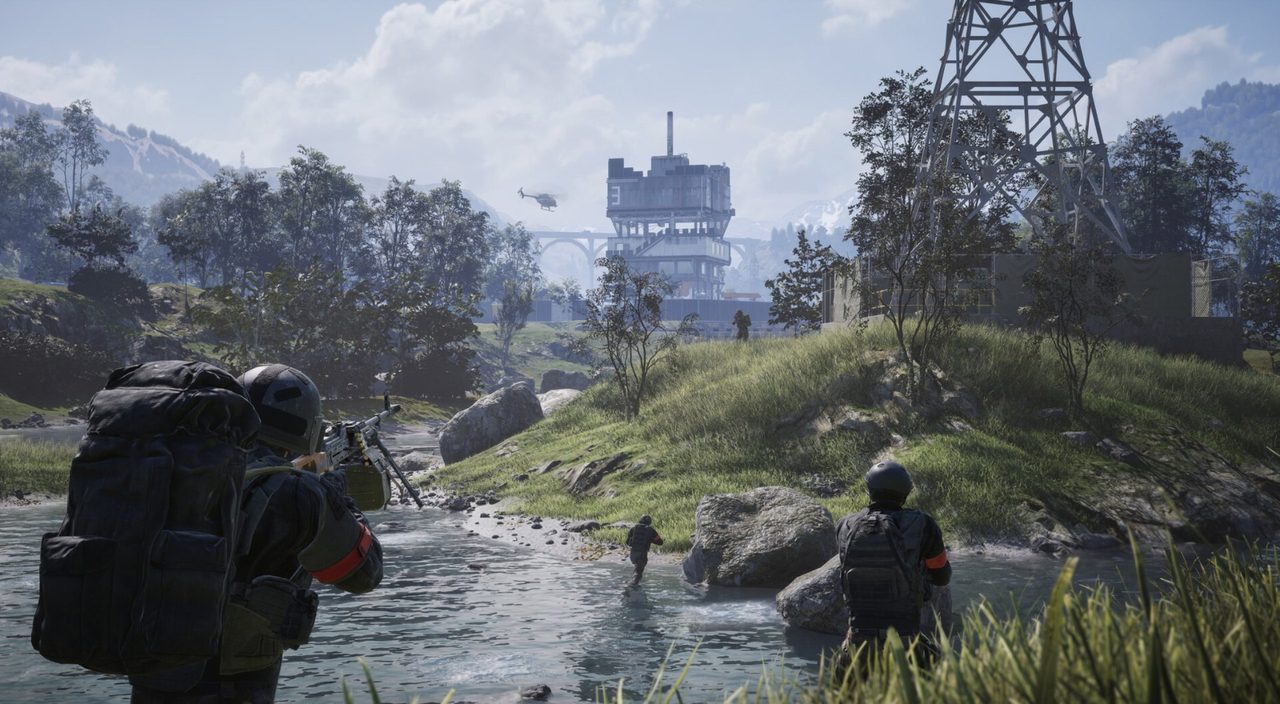
15 October source update: The official Season 02 notes dated 14 October list fixes for vehicles sinking after ramming other vehicles at speed, wheeled vehicles getting stuck when driving forward after rolling backward, and characters being pushed through the ground when exiting a vehicle.
Finish the Steam update before comparing those symptoms. These scoped developer reports do not establish a fix for every pipe, rock or map object, or an escape command for an already trapped character. If the issue persists, include your installed version, location and exact trigger in the report below. We have not gameplay-tested the changes; the original September evidence remains dated separately.
Safe actions while you are still in the match
- Capture a screenshot or a short clip before the scene changes. Include the object, nearby landmark and any visible UI that identifies the match without exposing account details.
- Note the time with time zone, server or region if it is visible, whether you were on foot or in a vehicle, and what you did immediately before movement stopped.
- Use only a recovery action that your current, unmodified client visibly offers. Its presence and effect can vary by mode or build, so it is a comparison rather than a guaranteed repair.
- If no in-client recovery is visible, use the ordinary leave/rejoin flow only if you accept losing the current match context. It can restore a session, but it does not prove that the collision was fixed.
Do not edit configuration files, delete game data, install a mod, or repeatedly reinstall the game for this symptom. None of the reviewed sources establishes those actions as a map-collision repair.
What to include in a useful bug report
Use the official support route or the relevant public report area. A report is easier to investigate when it includes:
- Map name or the nearest recognisable landmark
- The object or terrain feature that trapped you
- On-foot or vehicle state, plus vehicle type when relevant
- Steps immediately before the problem, including direction and speed when known
- Time, time zone, region/server if visible, and visible game version or Build
- Screenshot or short clip with account IDs, friend names and private messages removed
- Whether a normal, visible recovery action changed the state
Avoid reporting “the terrain is broken everywhere.” One precise reproduction is more useful than a universal conclusion from a single match.
Keep this separate from connection and crash symptoms
The same match can have more than one issue. A player who is unable to move after contacting an object may have a collision report; a player who cannot enter a match may have a connection or queue problem. Keep the observations separate so a support report does not hide the actual failing stage.
For a launch or desktop exit, continue with the crashing guide. For a menu, browser or join failure, continue with the server-status guide. This page does not claim either symptom is caused by terrain.
Sources & verification
Reviewed 15 Oct 2026. Official facts are separated from general guidance and player reports. We have not independently tested these steps in-game.
- Team17 Support: player stuck between map pipesA Team17 Support reply says the report was passed to the team for investigation. It does not publish a universal workaround, a fix date or a current map-status list.
- r/WarDogs: terrain can trap vehicles — player reportA community report about vehicles and terrain obstacles. It helps describe a possible symptom, but does not establish an official cause or a character-stuck fix.
- WARDOGS official Steam announcementsSeason 02 vehicle-collision notes dated 14 October reviewed 15 October via the official news feed and Steam API. Developer-reported fixes for specific triggers, not our gameplay test or a universal unstuck method.
Independent game help. Not affiliated with any developer, publisher or platform. editorial policy.