WARDOGS Beginner Guide: Your First Match & Budget Loadout
The short answer
You do not need a high kill count to have a useful role: the official overview lists revives, friendly transport and objective control as cash-earning actions. Learn the Control Zone objective, distinguish it from the Hot Zone cash incentive, and check what another loadout will cost before buying. These are source-based starting points, not a tested fastest-money strategy.
Evidence & limitsNot independently tested
- Evidence level
- Official information
- Last tested
- Not independently tested
- Game version / Build
- Early Access overview retained; Season 02 Preview source-reviewed 13 October 2026; planned changes are not installed-client tests
- Source review
- · not a gameplay test
Season 2 preview: check your version before buying
The official Season 02 Preview plans release on 15 October 2026 and previews new equipment, balancing and faction-economy changes. At our 13 October review, this was still a preview, not evidence that the new prices, bonuses or equipment were active in your match.
Use the current client’s vendor prices and displayed rewards for your budget. Keep the first-match basics below, but recheck full patch notes after the update before copying an older shopping list. No new loadout prices, performance gains or fastest-money strategy have been tested here.
Understand what wins the match
Official mechanics: Team17 describes three teams contesting a Control Zone. Having the most players inside earns points; the first team to reach 100 wins. The game supports up to 100 players.
Few kills or no clear goal? Choose your next step
A 15 September player review describes finishing a first match without understanding its purpose. A kill count alone does not tell you whether you helped the objective. Use this editorial learning checklist, not a tested winning route:
| What is stopping you? | Try next | Check the result |
|---|---|---|
| You do not know where to go | Identify the current Control Zone on your own map and ask nearby teammates what they are trying to contest | Can you explain your next destination and its connection to the objective? |
| You are getting few kills | Choose one support task you understand: a safe revive or an agreed friendly transport | Did the teammate return to play or reach the agreed destination? Record any displayed reward separately |
| Repeated deaths are draining your budget | Recheck the purchase total and remove optional equipment before the next attempt | How much remains for another life? Do not assume a more expensive kit will solve the problem |
| You spend most of the match travelling | Confirm the destination and a useful task before buying transport or following a route | Did the trip lead to that task? If not, change the plan rather than repeating it blindly |
The support and objective mechanics come from the publisher’s overview. Exact routes, current map symbols, reward amounts and your outcome still need checking in your client. You cannot repair a missing game feature by changing PC settings.
Control Zone vs Hot Zone
These names answer different questions in the official Steam overview:
- Control Zone — team score. This is the area used for the team-presence scoring rule described above. Ask: am I helping my team contest the scoring objective?
- Hot Zone — cash incentive. The official overview describes double cash here. Ask: does pursuing this reward fit the team’s plan and the gear I can afford to risk?
Do not read “double cash” as a confirmed double-XP or double-team-score rule. We have not verified the complete reward conditions, current map symbols or zone movement in a live match. Check the objective information displayed by your own client rather than relying on a map from an older build.
How to earn cash without kills
Official starting points: Reviving teammates, transporting friendlies and controlling the objective are listed as rewarded actions. The preparation and trade-offs below are editorial advice, not measured farming routes.
- Revive support: Learn the displayed revive interaction and check whether reaching the teammate is safe. Afterward, note whether they returned to play and what reward your client showed.
- Friendly transport: Confirm someone needs the ride and learn the controls before paying for a costly vehicle. After delivery, compare the reward with what you actually spent.
- Objective participation: Identify the current Control Zone and coordinate an approach with your team. Evaluate whether you contributed to the objective, rather than chasing a kill far from it.
Start with one role you can perform reliably. Buying a helicopter just because a review calls it profitable is not a beginner budget plan. A useful action can still involve risk, and a reward is not the same as net profit after purchases.
Earn through normal play; avoid exploit servers
The 12 September policy notice warns that cash-exploit abuse can bring a timed ban and reset cash/XP to zero. It also threatens permanent bans for extended participation in XP-farming servers. Use normal teamplay activities; leave suspected farming servers and report issues through official channels.
Understand the cash before spending it
Official mechanics: The publisher lists a starting balance of $10,000, loadout purchases for each life, and cash that carries between matches. It identifies actions such as reviving teammates and transporting them to the zone as rewarded teamplay.
That description does not supply a guaranteed cash-per-minute rate for your playstyle. We have not verified every shop price, refund rule or death-related loss condition in a running build.
The Season 1 changelog changed progression and prices. A Beta-era shopping list may no longer match the current shop.
Does dying mean losing all your money?
Separate your cash balance, the equipment purchased for a life, and progression/unlocks. They are not interchangeable. The official overview establishes per-life purchases and cash carrying between matches; it does not provide a complete death-loss or refund table, nor a promise that everything persists across future seasons.
Before interpreting a changed balance as a bug, record the balance before buying, the displayed purchase total, and the balance after the next spawn or match. Note any reward shown separately. This gives support something to investigate without assuming that a death wiped your account.
Running low on cash?
Check the current shop rather than following an old fixed-price loadout. Remove optional purchases, calculate what remains for another attempt, and choose a support activity whose controls and costs you understand. We cannot confirm a universal free-loadout or bankruptcy-recovery rule; do not deliberately spend your balance to test one.
A cautious first-loadout worksheet
Editorial advice, not an independently tested loadout:
| Decision | What to check in your own client |
|---|---|
| Main weapon | Whether it is available to you and what the displayed purchase costs |
| Ammunition and essential equipment | What the game offers and the total shown before confirming |
| Optional accessories | Whether you understand their purpose before adding their cost |
| Another attempt | What balance remains after this purchase, using actual displayed prices |
| Expensive vehicles or specialist gear | Whether you understand the controls and can afford the experiment |
There is no recommended weapon name or invented exact spending cap here. We do not yet have the menu captures or repeatable match results needed to justify those recommendations.
A practical first-match sequence
- Before deploying, check movement and interaction bindings, the purchase total and the task you chose above.
- After one attempt, write down what you tried, whether it helped the team, what you spent and what the client actually rewarded.
- Change one decision for the next attempt. If the obstacle was a microphone or connection failure, use the relevant troubleshooting guide below instead of buying different gear.
These are learning steps, not a promise of a winning route or profitable match.
Check communication and performance separately
Test your microphone with a willing teammate rather than inferring failure from an unknown player’s silence. Use the voice guide if necessary.
If you plan to play with a gamepad, note that WARDOGS controller support is partial: an Xbox pad works for core combat, but rebinding is unreliable and some menus expect a keyboard. See the controller guide before assuming a pad will cover every action.
If camera movement is uneven, use the performance baseline. If you cannot get into the match at all, start with connection checks before changing a loadout.
What this guide does not rank
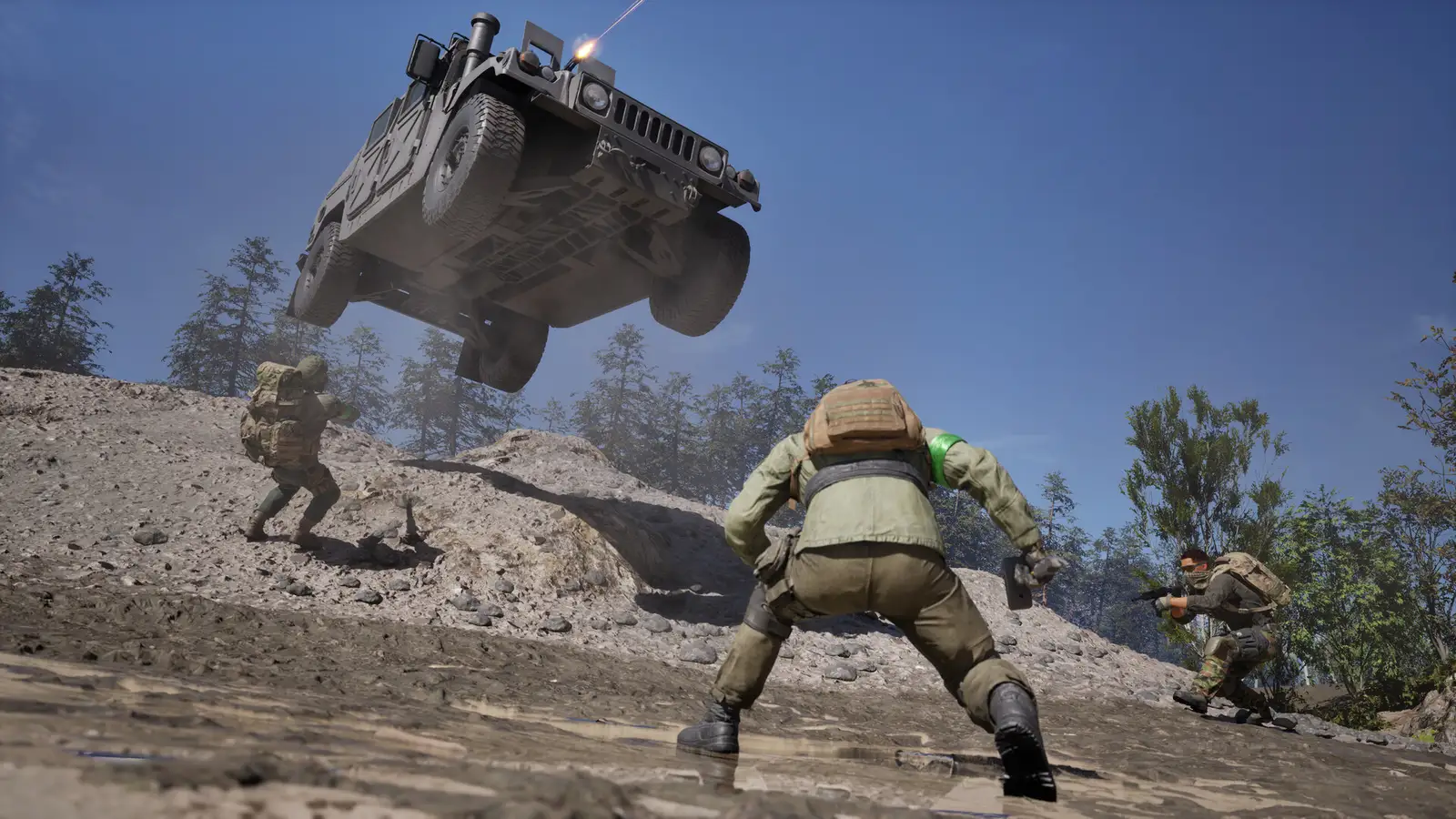
We have not measured weapon damage, compared money-farming routes or validated a “best” beginner build. Specific recommendations should wait for current Build information, screenshots and repeatable tests. Official promotional artwork on this site is not evidence that we played this match.
Sources & verification
Reviewed 25 Oct 2026. Official facts are separated from general guidance and player reports. We have not independently tested these steps in-game.
- BULKHEAD: WARDOGS | Season 02 Preview — 9 October 2026Reviewed 13 October. Upcoming content, balance and faction-economy changes; final patch details are not verified as live mechanics.
- Steam player review — unsure what to do after a first match, 15 September 2026Review text read on 15 September; one player's learning difficulty, not proof of a game defect. Exact client Build and follow-up outcome are unknown.
- BULKHEAD: Scheduled Maintenance & Patch 0.11 — 12 September 2026Full notice reviewed on 13 September; official economy-abuse penalties, not a tested earning method.
- WARDOGS on Steam — official gameplay overviewReviewed 12 September. Describes zone scoring, the Hot Zone cash incentive, per-life purchases and support rewards; not a complete economy rulebook.
- Team17: WARDOGS — official game overviewGameplay and economy overview rechecked on 15 September: Control Zone scoring, starting cash, per-life purchases and teamplay rewards. Not an in-game test.
- BULKHEAD: Pre-Load Live & Season 1 Changelog — 9 September 2026Progression and prices changed between Beta and launch; old shopping lists need checking.
Independent game help. Not affiliated with any developer, publisher or platform. editorial policy.