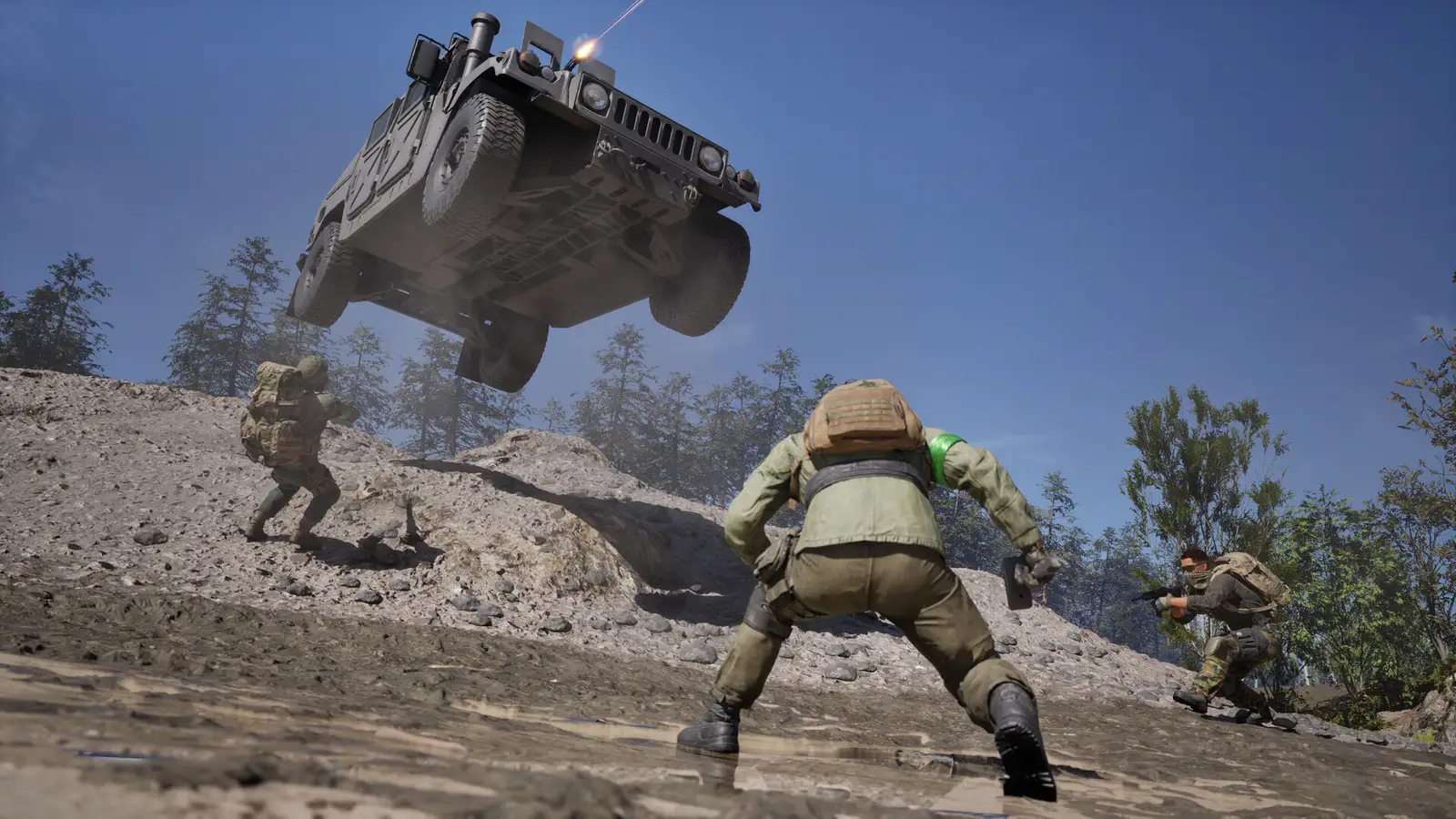
WARDOGS Easy Anti-Cheat: Historical Guide & Current Support Route
The short answer
For the current Steam-listed anti-cheat, use our Elytra guide. This old address remains available so saved links do not break. If your own message actually names Easy Anti-Cheat, first confirm which game or retained installation produced it; do not assume the current WARDOGS client uses the same component.
Evidence & limitsNot independently tested
- Evidence level
- Official information
- Last tested
- Not independently tested
- Game version / Build
- Historical EAC reference; no running build tested
- Source review
- · not a gameplay test
Why this page changed
Our earlier article described EAC as the current anti-cheat. That no longer matches the store disclosure checked on 11 September 2026, so it must not remain the default support route.
The current anti-cheat guide now contains the installation and launcher checklist. This page documents the correction rather than silently presenting an old product-specific answer as current.
If a saved screenshot says Easy Anti-Cheat
Check the date, installed client name and the application that displayed the message. A screenshot from a different game or an older installation cannot identify the component in your current launch.
Keep the entire message and version information. Consult support for the product actually named; do not copy a service-repair command or product identifier from this historical page.
What remains good practice
Preserve the error before changing anything. Use the verified game installation and official instructions applicable to it. Do not download a replacement anti-cheat package from an unrelated site or delete shared service folders used by other games.
If no anti-cheat message appears and the process simply exits, start with the crash checklist.
Sources & verification
Reviewed 11 Sept 2026. Official facts are separated from general guidance and player reports. We have not independently tested these steps in-game.
- WARDOGS Steam store — current anti-cheat disclosureCurrent product disclosure checked on 11 September 2026.
- BULKHEAD: Closed Beta known issues — 21 August 2026Historical Beta context. Player replies are not official repair instructions.
Independent game help. Not affiliated with any developer, publisher or platform. editorial policy.